Google Chrome
Safe, fast, and reliable browsing with Google Chrome

Safe & Secure
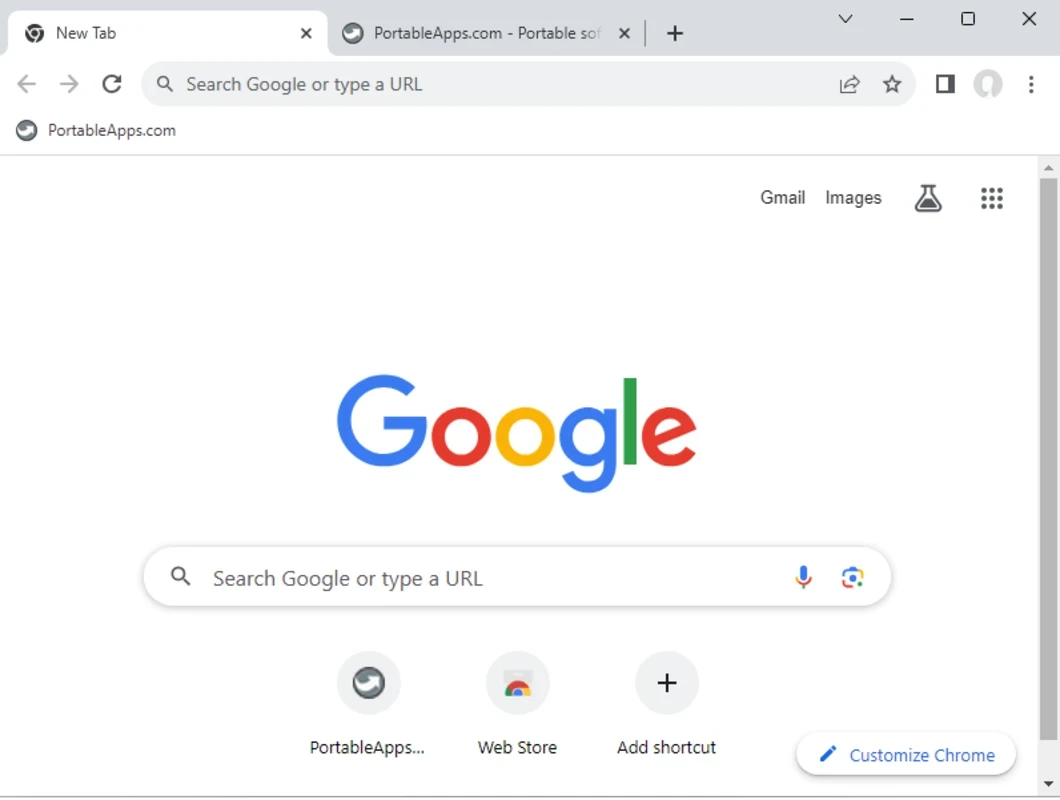
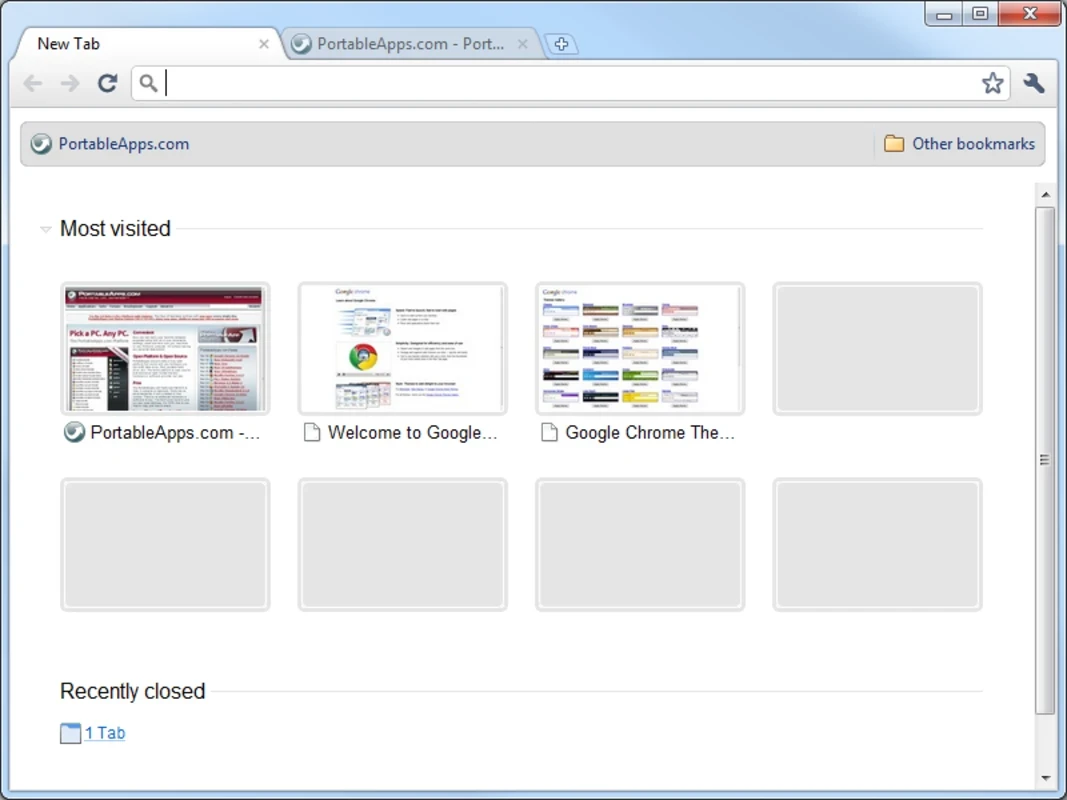
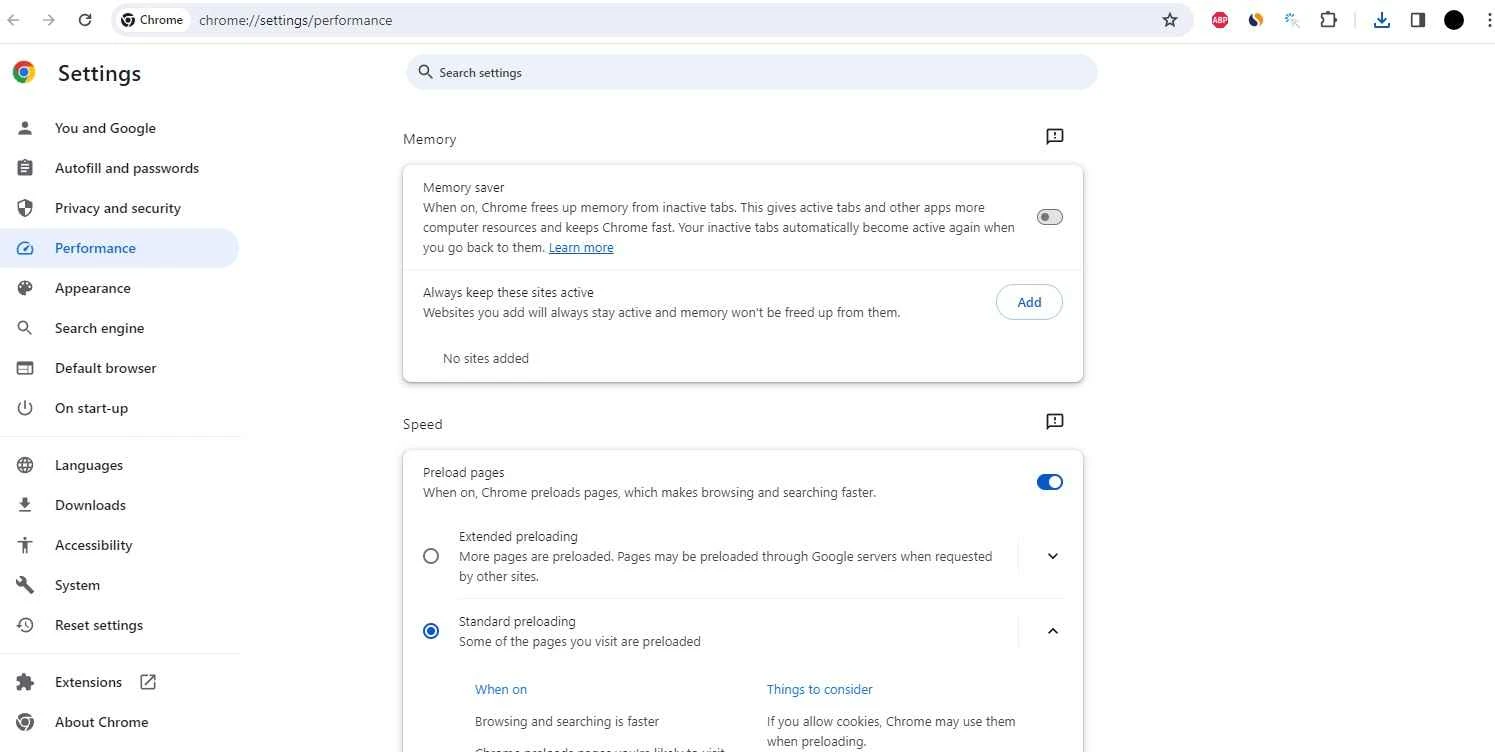
Google Chrome Portable is the fastest and securest free web browser, specifically designed for Windows PCs. It is flexible and reliably usable for external devices, even without installation, offering a minimalistic user interface with a combination of address bar and search bar in the omnibox.
The app is the best choice for students, office employees, and travelers, as it offers quick switching between devices, and portability enables users to take it anywhere reliably. You can easily view searches such as Google searches, bookmark searches, and even browser history on the Omnibox.
Google Chrome Portable is the portable version of the popular web browser Google Chrome. It is developed by PortableApps.com, falls under the Web Browser category, and is based on the Chromium open source project. It is a cross-platform, free-to-use, and lightweight utility, enabling users to use it reliably on any device without a complete installation process.
The app offers a simple and consistent browsing experience in both personal and professional scenarios, supporting extensions, synced accounts, and dependable tab management. It is the best combination of simplicity, stability, and flexibility to offer a smooth and fast browsing experience.
The portable version offers the same fast speed as the original version, as it also uses multi-process architecture, pre-rendering, and features like Memory Saver. It offers smooth performance for everyday tasks, including daily browsing, video streaming, and cloud-based work, offering services on both the personal and professional levels. Startup speed remains fast, the same as on external storage, and seamless account synchronization proves helpful across sessions for personal settings.
The strong emphasis on your security is offered with the help of multiple features to protect you from dangerous sites. It offers automatic updates within six weeks to enable users to get the latest features and fixes. While working as the most secure browser, it offers sandboxing, site isolation, and predictive protection, and also a robust system to manage cookies, pop-ups, and other security settings, making user privacy and security fool-proof while browsing over the internet.
The app with a sleek design offers an organized process with an awesome Tab Group feature, allowing users to open up to 100 tabs simultaneously without any lag or misunderstanding. The tab management is the same as on the original program to help users organize them for multitasking and reliably move to another website without closing other tabs.
The address bar is also useful for easily accessing fact-finding missions and allows you to search your Google Drive. You can use the Omnibox for getting quick searches, as it offers new searches and also related suggestions to make your searching process quick and easy. Simply start typing, and the quick autofill option will help you to complete your desired content with a single click. In addition, you will also be capable of translating the entire webpage and have access to personalized articles according to your preferences.
The advanced technology offers enhanced security for your device, as integration with a wide list of potentially dangerous websites allows the user to get rid of all types of malicious content and also avoid downloading from sites that can steal your personal information and infect your device. In case of a suspicious tab, you will receive a warning with advice to “Go back”.
The app is compatible with all types of digital devices, so users can sync their data across multiple devices using the same Google account. It allows users to quickly switch between devices for various purposes, such as customization, etc. The addition of a JavaScript engine makes your browser faster compared to other web browsers, Brave Browser, and Tor Browser.
Similar to the original platforms, the app also offers multiple customization options for the ease of users to reliably maintain the clean design. So, express your style while selecting new themes, add extensions to improve productivity, and use shortcuts for quick access to your favorite websites. You can also change the background, even using your own photos for the purpose.
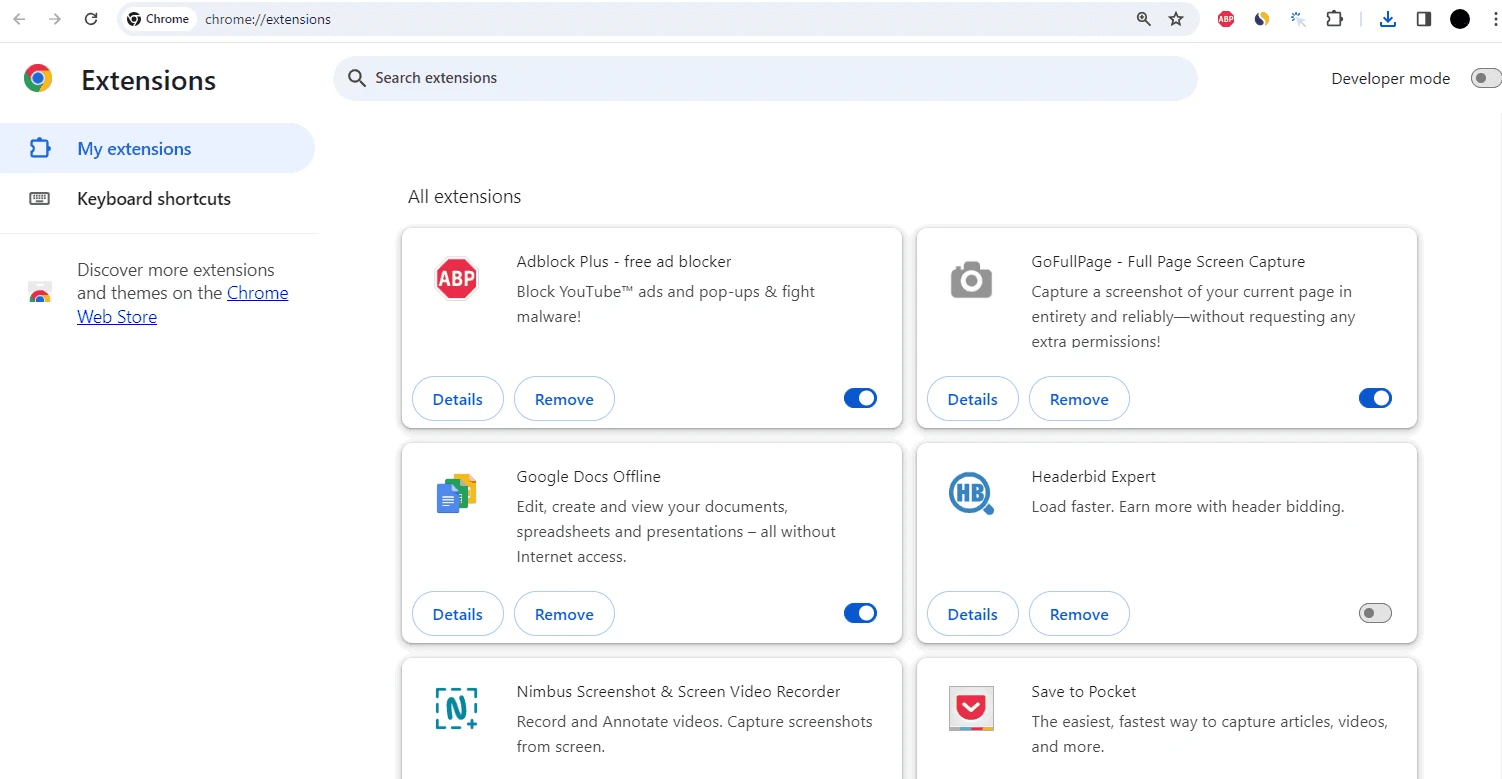
The app offers huge integration for tons of extensions and plug-ins for the ease of users to enhance their productivity, entertainment, and security. Compared to other popular web browsers, the app offers the fastest tab-opening process and allows users to easily add their desired extension from the Web Store.
Pros
Cons

Safe, fast, and reliable browsing with Google Chrome

Opera offers the best browsing functionalities including built-in VPN, ad-blocker, and Turbo mode.

Fast Browsing with offering Cutting-edge Security and Speed.

UC Browser for PC, the leading mobile browser now available for PCs

Cent Browser is a Chromium-based browser with seamless browsing online

Firefox can display a large number of pages and extra capabilities that can help you online very fast.